SuperSimpleOCR Support
Your simple Mac menu‑bar OCR assistant.
Your simple Mac menu‑bar OCR assistant.
SuperSimpleOCR is a lightweight menu‑bar application for macOS that allows you to quickly capture and extract text from your screen. This support page provides installation instructions, usage guidance and answers to common questions.
1. Download the latest release of SuperSimpleOCR from Mac App Store. 2. Open the downloaded file and drag the application into your Applications folder. 3. Launch the app from your Applications folder. On first run, macOS may prompt for screen‑recording permission; grant this so the app can capture text from your screen.
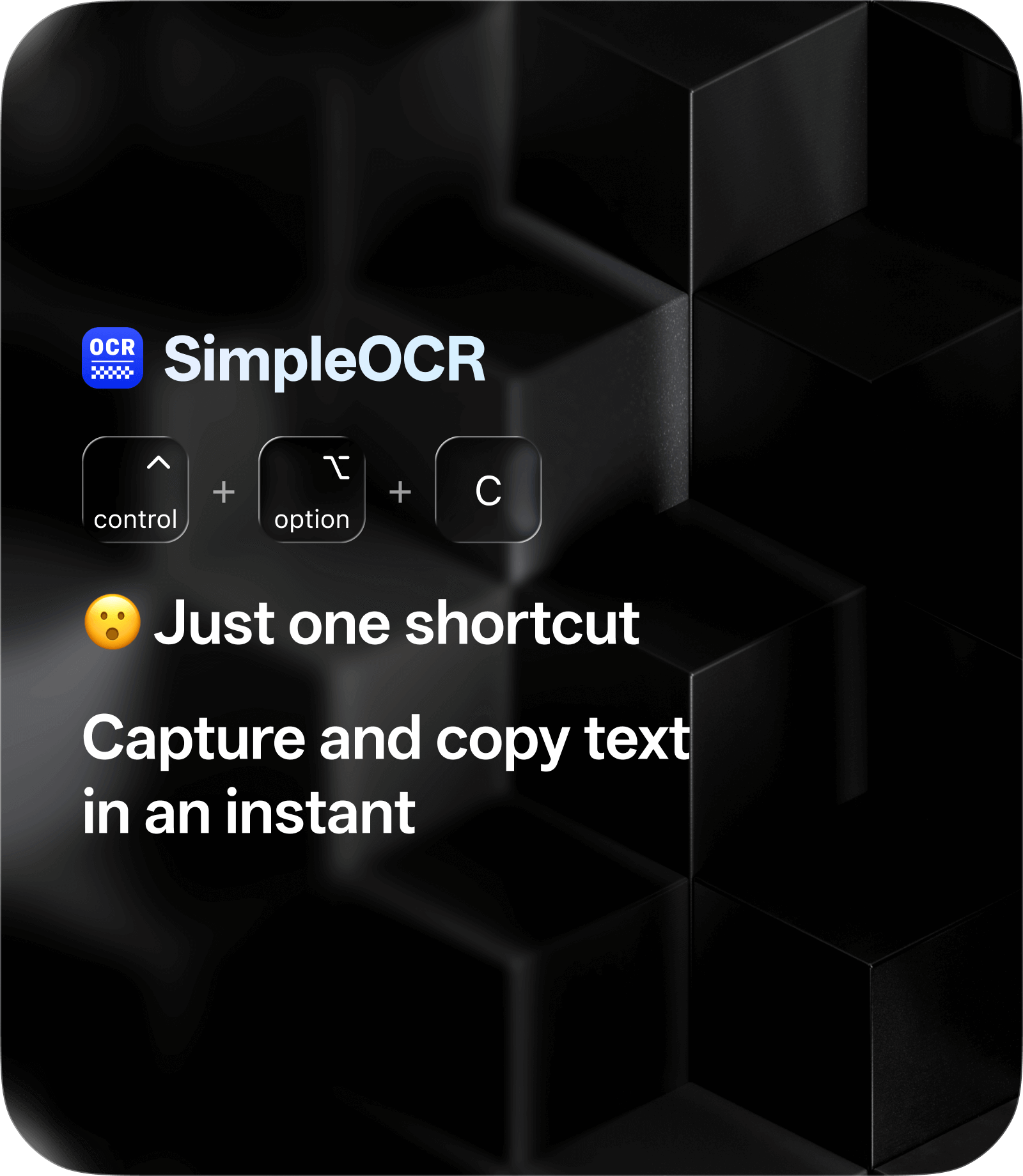
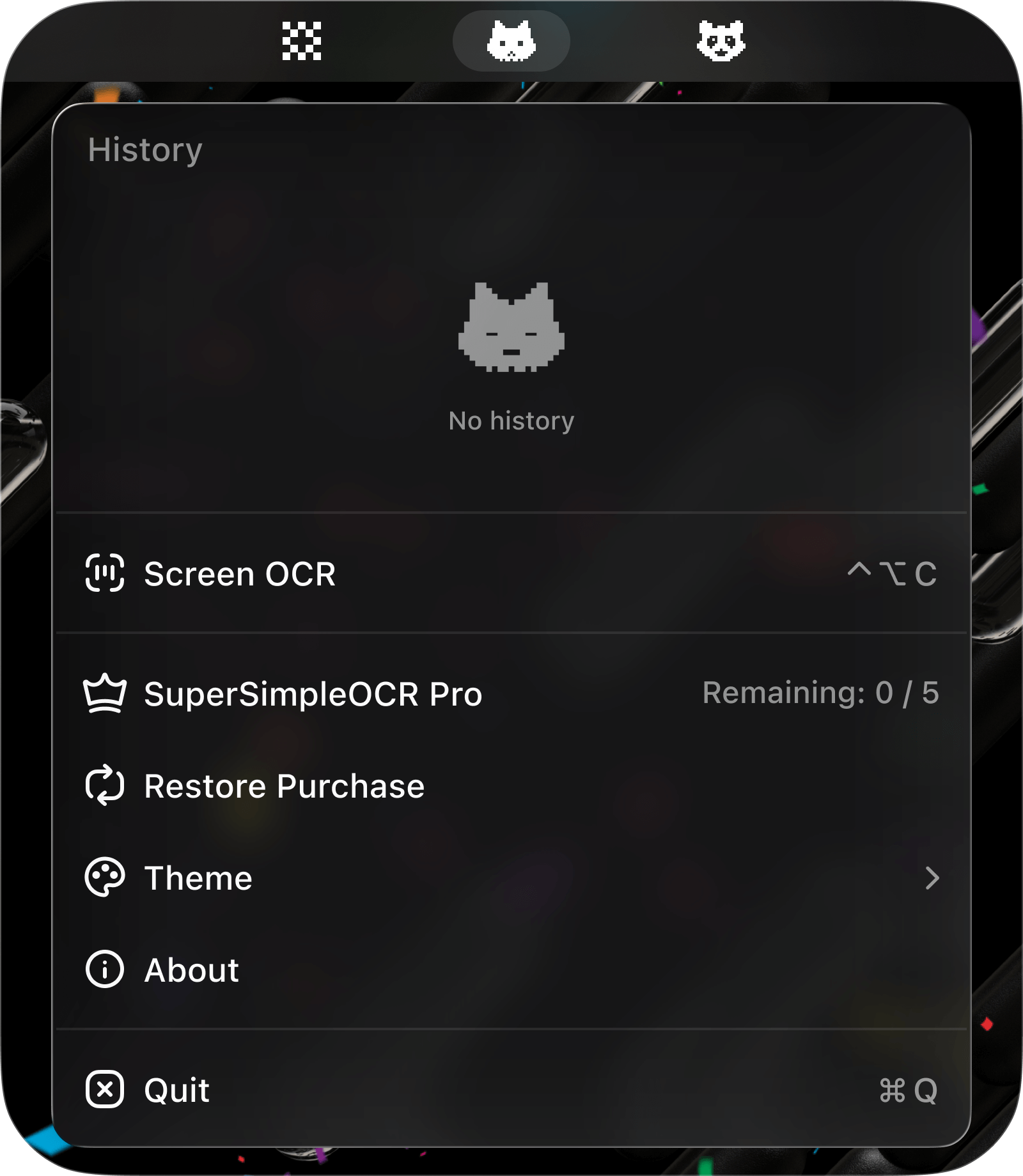
• Use the shortcut ControlOptionC to capture and recognize text, then paste it anywhere you want.
If you encounter any issues or need further assistance, feel free to email us at adaebea@gmail.com.
Please also review our Privacy Policy to understand how we handle your data.